Month: August 2026
What Is Prototyping and Why Is It Important Before Development?
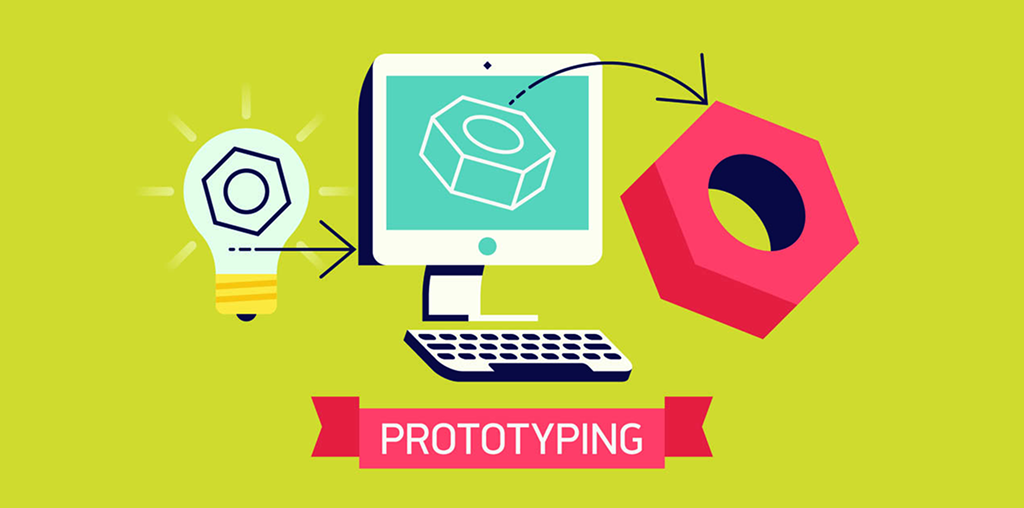
Quick Answer: Prototyping is the process of creating an interactive or visual model of a website, mobile app, or digital product before development begins. It helps businesses test ideas, understand user journeys, identify design problems early, reduce development costs, and create a clearer plan for developers. A well-designed prototype acts as a bridge between a business idea and the final digital product. Instead of immediately writing code, teams can visualize how the product will work, gather feedback, and make important decisions before development starts.
What Is Prototyping?
Prototyping is a design process used to create an early representation of a digital product. A prototype can demonstrate the layout, navigation, interactions, features, and overall user experience without requiring the complete product to be developed.
Prototypes can range from simple wireframes to highly interactive designs that closely resemble the final website or application.
- Low-fidelity prototypes: Simple layouts used to understand structure, content placement, and user flow.
- Mid-fidelity prototypes: More detailed designs that demonstrate layout, navigation, and important interactions.
- High-fidelity prototypes: Detailed and interactive designs that closely represent the appearance and behavior of the final product.
Why Is Prototyping Important Before Development?
Starting development without validating the design can create unnecessary revisions and expenses. Prototyping allows businesses and development teams to identify problems before significant development resources are invested.
Here are the key reasons prototyping is valuable.
1. It Turns Ideas Into Something Visual
Business requirements can sometimes be difficult to understand through written descriptions alone.
A prototype gives stakeholders something concrete to review. They can see how pages, screens, menus, forms, and interactions could work before development begins.
2. It Improves User Experience
One of the main purposes of prototyping is to test the user journey.
Fixing these issues during the design stage is usually easier than changing them after development.
- Can users find important information quickly?
- Is the navigation understandable?
- Is the checkout process simple?
- Are calls to action easy to find?
- Are forms unnecessarily complicated?
- Does the product flow feel natural?
3. It Identifies Problems Early
A prototype can expose missing features, confusing navigation, inconsistent layouts, or unrealistic requirements before development starts.
Early discovery allows teams to make changes while the cost of change is relatively low.
Without prototyping, a problem may only become obvious after developers have already built several connected components.
4. It Reduces Development Rework
Development time can increase when requirements continually change.
A validated prototype provides developers with a clearer understanding of the expected product behavior, reducing unnecessary back-and-forth.
- Page structure
- User flows
- Interactions
- Content requirements
- Functional expectations
- Design direction
5. It Creates Better Communication
Different stakeholders may interpret the same requirement differently.
A prototype creates a shared visual reference for business owners, designers, developers, marketers, and other project stakeholders.
Instead of discussing an abstract idea, everyone can review the same proposed experience.
6. It Helps Validate Business Ideas
Prototyping is not only about design. It can also help validate whether a product concept makes sense from a business perspective.
- Product positioning
- Feature priorities
- Customer journeys
- Conversion paths
- Service presentation
- Pricing-page structure
- Lead-generation flows
7. It Helps Prioritize Features
Businesses often have many ideas but limited development budgets.
A prototype can help separate essential features from optional improvements. Start with the features required to solve the customer’s primary problem.
8. It Makes Client Feedback More Effective
Collecting feedback from a live website after development can be expensive and time-consuming.
With a prototype, stakeholders can provide feedback while changes are still relatively easy to make.
Instead of saying “something feels wrong,” reviewers can identify specific problems with a screen, interaction, navigation element, or user journey.
9. It Gives Developers Clearer Direction
Developers need more than attractive screens. They need to understand how the product is expected to behave.
A good prototype can clarify the intended user experience and help developers understand the relationship between different screens and interactions.
10. It Can Save Time and Money
One of the biggest benefits of prototyping is reducing expensive changes later.
Changing a prototype is generally simpler than redesigning developed interfaces, rewriting functionality, modifying database-related workflows, or restructuring a product after launch.
Prototyping Do and Don’t
When Should You Use Prototyping?
Prototyping is especially useful for complex digital products where early validation is key.
- New websites
- Mobile applications
- SaaS products
- E-commerce platforms
- Customer portals
- Booking systems
- Dashboard interfaces
- Startup MVPs
- Complex web applications
- Major website redesigns
Frequently Asked Questions
1. What is prototyping in web development?
The process of creating a visual or interactive model of a website before coding the final product.
2. Why is prototyping important before development?
It helps identify usability problems early, improve communication, validate requirements, and reduce rework.
3. Does prototyping save development costs?
Yes. It reduces costs by identifying problems and unnecessary features before significant development begins.
4. What is the difference between a wireframe and a prototype?
A wireframe mainly shows layout structure, while a prototype demonstrates navigation and interactions.
5. What is a high-fidelity prototype?
A detailed, interactive representation closely resembling the final product.
Final Takeaway
Prototyping is an important step between an idea and a working digital product. The goal is to learn, validate, improve, and then build.
When prototyping is combined with user research, thoughtful UX design, clear requirements, and strong development practices, businesses can approach digital product development with greater clarity and confidence.
10 Signs Your Business Website Needs a Redesign
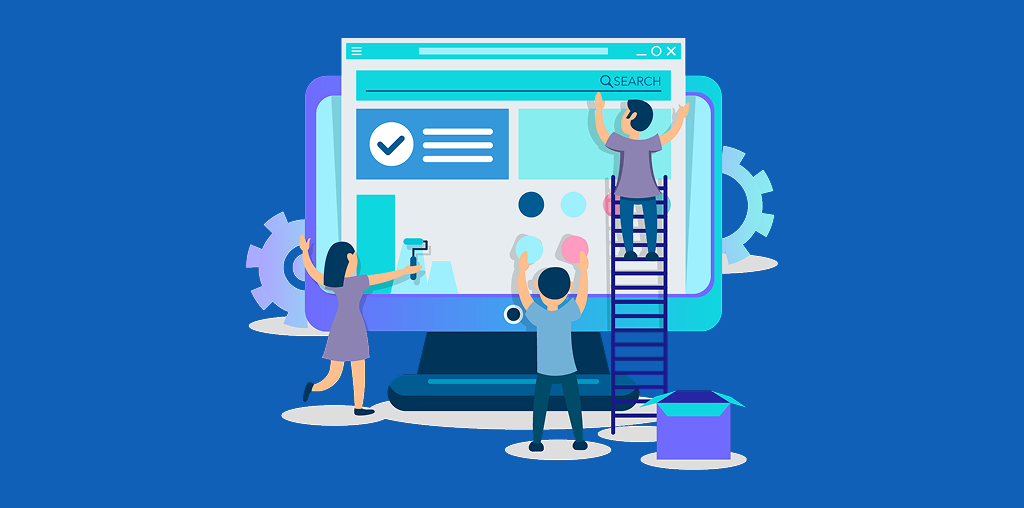
Quick Answer: If your business website looks outdated, loads slowly, performs poorly on mobile, is difficult to navigate, receives little organic traffic, or fails to generate leads, it may be time for a redesign. A modern website should be fast, mobile-friendly, accessible, trustworthy, SEO-ready, and designed around customer needs. Your website is often the first interaction a potential customer has with your business. If that experience feels outdated or confusing, visitors may leave before discovering what you offer. A strategic website redesign can improve user experience, search visibility, credibility, performance, and conversions. Here are 10 important signs that your business website may need a redesign.
1. Your Website Looks Outdated
Website design trends, technology, and customer expectations change over time. If your website uses an old layout, inconsistent typography, low-quality images, or outdated visual elements, it may create the wrong impression.
Your website should accurately represent your current brand and communicate professionalism from the first visit.
- Outdated visual design
- Poor content hierarchy
- Inconsistent branding
- Low-quality images
- Difficult-to-read text
- Old or broken design elements
2. Your Website Is Not Mobile-Friendly
A significant amount of website traffic comes from smartphones. If visitors need to zoom, scroll horizontally, or struggle to click buttons on mobile devices, your website is creating unnecessary friction.
A responsive website should automatically adapt to smartphones, tablets, laptops, and desktop screens.
If a customer cannot easily browse your website on their phone, they may simply leave and choose a competitor with a better experience.
3. Your Website Loads Slowly
Website speed is an important part of user experience. Slow pages can cause visitors to leave before your content, products, or services are fully displayed.
A redesign should focus on performance optimization, optimized media, clean code, and efficient page loading.
- Large unoptimized images
- Too many scripts
- Excessive plugins
- Poor hosting
- Unnecessary animations
- Outdated technology
4. Your Website Gets Very Little Organic Traffic
If your website rarely appears in relevant Google searches, its technical structure, content, or SEO strategy may need improvement.
However, redesigning a website alone does not guarantee higher rankings. Technical SEO, helpful content, authority, relevance, and user experience all contribute to search performance.
- Page structure
- Heading hierarchy
- SEO-friendly URLs
- Internal linking
- Metadata
- Image optimization
- Content organization
- Search intent alignment
5. Visitors Cannot Find Information Easily
A good website should help visitors find important information quickly.
If customers struggle to locate your services, products, pricing, contact information, or frequently asked questions, your website navigation may need improvement.
Keep navigation simple, organize related pages logically, and make important actions easy to find without overwhelming visitors. The goal is simple: customers should not have to search extensively to understand what your business offers.
6. Your Website Gets Traffic but Few Leads
Website traffic is valuable, but traffic alone does not generate revenue. If visitors come to your website but rarely contact you, request a quote, book a service, or make a purchase, your conversion journey may need improvement.
A successful redesign should focus on conversion optimization rather than simply making the website look attractive.
- Call-to-action placement
- Contact forms
- Service pages
- Landing pages
- Trust signals
- Value propositions
- Checkout or enquiry process
7. Your Website Does Not Build Enough Trust
Customers want to know that they are dealing with a legitimate and reliable business.
Professional design combined with transparent and useful information can strengthen customer confidence.
- Who you are
- What your business offers
- How customers can contact you
- Customer reviews or testimonials
- Relevant business information
- Secure browsing
- Clear policies where appropriate
8. Your Website Is Difficult to Update
If updating a simple service description, image, blog post, or product requires technical assistance every time, your website may be inefficient to manage.
A modern website should provide an appropriate content management workflow that allows authorized users to update important content efficiently. This can save time and make it easier for your business to keep information accurate and current.
9. Your Website Has Accessibility Problems
Accessibility is an important part of modern web development. Websites should be designed so that as many people as reasonably possible can understand and interact with them.
Accessibility improvements can make your website easier to use across different devices and assistive technologies.
- Font readability
- Color contrast
- Image alt text
- Keyboard navigation
- Form labels
- Heading structure
- Link descriptions
10. Your Website No Longer Supports Your Business Goals
Your business may have changed since your website was originally launched. If your website no longer accurately represents your business, a redesign can bring your online presence back in line with your current goals.
- Added new services
- Introduced new products
- Changed your target audience
- Updated your branding
- Entered new markets
- Changed your marketing strategy
Website Redesign: Do and Don’t
Do You Really Need a Complete Website Redesign?
Not every website requires a complete rebuild. Sometimes targeted improvements to website speed, navigation, content, SEO, accessibility, or conversion elements can solve the biggest problems.
Before investing in a complete redesign, conduct a website audit. Review your analytics, organic search performance, mobile usability, technical SEO, page speed, accessibility, conversion data, and customer feedback.
This evidence-based approach helps identify which improvements will have the greatest business impact instead of redesigning a website simply because its appearance feels old.
What Should a Modern Business Website Provide?
A modern business website should do more than display information. It should help visitors understand your business, answer important questions, build trust, and encourage meaningful actions.
The right combination depends on your business, target audience, technology, and existing website performance.
- Modern UI and UX
- Responsive web design
- Website performance
- Technical SEO
- On-page SEO
- Accessible design
- Clear calls to action
- Conversion optimization
- Trust and credibility
- Easy content management
Ready to Improve Your Business Website?
If your website looks outdated, loads slowly, performs poorly on mobile, or fails to generate the results your business needs, it may be time for a strategic website improvement.
quitecoder.agency helps businesses improve their online presence through thoughtful web design, development, SEO, performance, user experience, and conversion-focused solutions.
Explore quitecoder.agency to discover how a better website can create a stronger experience for your customers and support your business goals.
Frequently Asked Questions
1. How often should a business website be redesigned?
There is no fixed redesign schedule. Review regularly and redesign when performance, branding, or business goals no longer meet customer needs.
2. What is the biggest sign that a website needs redesigning?
Poor user experience combined with outdated design, slow performance, weak mobile usability, low traffic, or poor conversions.
3. Will a website redesign improve Google rankings?
A redesign can improve technical SEO, page structure, performance, mobile usability, and content experience.
4. Is responsive design necessary for a business website?
Yes. Responsive design allows a website to adapt to different screen sizes across all devices.
5. Does website speed affect conversions?
Yes. Slow websites increase the likelihood that visitors leave before completing an action.
Final Takeaway
Your website does not need a redesign simply because a new design trend has appeared. It needs a redesign when it stops serving your customers or supporting your business goals.
If your website is outdated, slow, difficult to navigate, poorly optimized for search, inaccessible, or failing to generate conversions, start with a professional website audit.
A strategic redesign can transform your website from a basic online presence into a valuable digital asset that supports customer experience, search visibility, leads, and long-term business growth.