
How Website UI/UX Affects Conversion Rates

How Website UI/UX Affects Conversion Rates | quitecoder.agency
Learn how website UI/UX design affects conversion rates, user experience, trust, navigation, mobile usability, and customer decisions.
How Does Website UI/UX Affect Conversion Rates?
Website UI/UX has a direct influence on how easily visitors understand, navigate, trust, and interact with a website. A clear, intuitive, fast, and user-focused interface can reduce friction and encourage visitors to complete actions such as purchases, enquiries, bookings, or registrations.
Your website may attract thousands of visitors, but traffic alone does not create revenue. If users cannot quickly find what they need or understand what to do next, they may leave without converting.
That is why effective UI/UX design and conversion rate optimisation (CRO) should work together.
What Is UI/UX Design?
UI focuses on the visual and interactive elements users see, including:
1. Colours and branding
2. Buttons and calls-to-action
3. Navigation menus
4. Typography
5. Images and visual hierarchy
6. Responsive layouts
UX: User Experience
UX focuses on how easily and logically visitors can use the website.
It includes:
1. Information architecture
2. Navigation
3. Page structure
4. Accessibility
5. Forms and checkout flows
6. Content clarity
7. Mobile usability
8. Overall customer journey
UI makes a website visually appealing; UX makes it easy and satisfying to use.
Why Good UI/UX Can Increase Conversions
A conversion happens when a visitor completes a desired action. Depending on the business, that could mean buying a product, requesting a quote, completing a form, booking an appointment, subscribing, or contacting the company.
Good UI/UX removes unnecessary obstacles between the visitor and that action.
1. Simple Navigation Helps Users Find Information
Visitors should not have to search through complicated menus to understand your products or services.
Clear navigation helps users move naturally from:
Landing page → Information → Product/Service → CTA → Conversion
When navigation is predictable and organised, visitors can reach important pages with less effort.
2. Visual Hierarchy Directs Attention
Every page has competing elements. Effective UI design establishes a visual hierarchy so visitors immediately recognise:
1. What the page is about
2. Why it matters
3. What they should do next
Headings, spacing, typography, images, and buttons can work together to guide attention without overwhelming the visitor.
3. Strong CTAs Make the Next Step Obvious
A call-to-action should tell users exactly what happens next.
Instead of vague wording such as “Submit,” businesses can use action-focused language such as:
“Get a Free Quote”
“Book a Consultation”
“Start Your Project”
“Shop Now”
“Request Pricing”
The CTA should be prominent, understandable, and relevant to the user’s intent.
4. Mobile UX Can Influence Customer Decisions
A beautiful desktop website is not enough.
Users may discover your business through a smartphone and expect menus, forms, buttons, product pages, and checkout experiences to work comfortably on smaller screens.
Customer point of view: If I need to pinch, zoom, scroll sideways, or repeatedly search for information, I am less likely to continue.
Responsive layouts, readable text, touch-friendly controls, and simplified mobile navigation can create a smoother journey.
5. Speed Reduces Friction
Performance is an important part of UX.
Large images, unnecessary scripts, excessive animations, and poorly optimised code can create slow experiences. Visitors may abandon a page before it has even finished loading.
UI/UX improvements should therefore be considered alongside technical performance, image optimisation, caching, and efficient development.
Trust Is a Conversion Factor
Users are more likely to take action when a website appears credible and transparent.
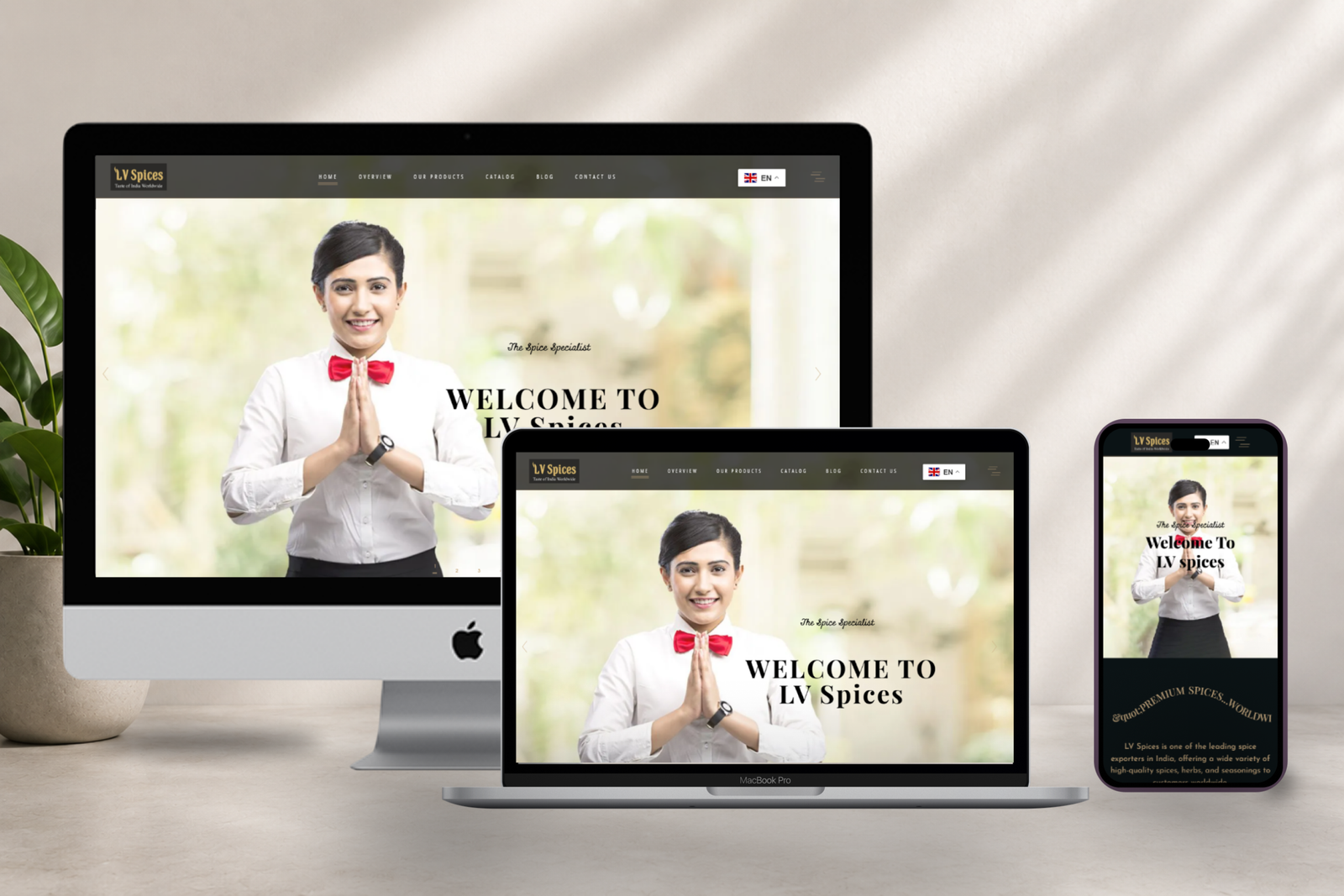
Strong UX can support trust through:
1. Genuine customer reviews
2. Clear security and privacy information
3. Accessible contact details
4. About and company information
5. Transparent pricing or service details
6. High-quality, relevant visuals
7. Clear policies and expectations
Trust should never be manufactured through misleading design. Testimonials, statistics, guarantees, and claims should be genuine and verifiable.
UI/UX, SEO and AI Search Work Together
Good UI/UX is not only about visual appearance. It also creates a stronger foundation for SEO, semantic search, answer engines, and AI-powered discovery.
Well-structured pages can help users and search systems understand:
1. What the business offers
2. Who the service is for
3. Which problems it solves
4. How the process works
5. What makes the business credible
Use descriptive headings, concise answers, meaningful internal links, structured content, relevant entities, and accurate information.
However, design should never sacrifice useful content simply to make a page visually minimal.
Why Testing Matters for Conversion Optimisation
There is no universal UI/UX design that converts equally well for every audience.
Businesses should use evidence rather than assumptions.
Useful methods include:
A/B Testing
Compare different versions of headlines, CTAs, layouts, forms, or page elements.
Analytics
Monitor metrics such as conversion rate, engagement, funnel progression, and abandonment.
Heatmaps and Session Analysis
Understand where users interact, hesitate, or leave.
User Testing
Watch real users complete important tasks and identify usability problems.
The goal is not simply to make a website look better. The goal is to make the customer journey easier and more effective.
Do & Don’t: Website UI/UX for Better Conversions
Expert Recommendation
Expert recommendation: Start UI/UX projects by understanding the customer’s goals, objections, and journey before choosing colours, animations, or visual styles. Identify the most important conversion paths, remove unnecessary steps, make key information easy to find, and validate design decisions using real user behaviour and testing.
The strongest conversion-focused websites are not necessarily the most complicated. They are the ones that make the right action feel obvious and easy.
What Customers Really Want From a Website
From a customer’s perspective, a good website should answer three questions quickly:
“What do you offer?”
“Why should I trust you?”
“What should I do next?”
If the website answers these questions clearly, provides useful information, and removes unnecessary friction, customers have fewer reasons to leave.
That is the real connection between UI/UX design and conversion rates.


Frequently Asked Questions
1. How does UI/UX affect conversion rates?
Good UI/UX makes websites easier to understand and use, reducing friction and helping visitors complete desired actions such as purchases, enquiries, bookings, and registrations.
2. What is conversion-focused web design?
Conversion-focused web design structures a website around specific business and customer actions, using clear content, navigation, CTAs, trust signals, and user-friendly experiences.
3. Can better UX increase sales?
Yes. Improving navigation, product information, checkout usability, mobile experience, and trust can remove barriers that prevent customers from completing purchases.
4. Why are website CTAs important?
CTAs tell visitors what action to take next. Clear, relevant CTA wording can reduce uncertainty and guide users toward conversion.
5. Does mobile UX affect conversions?
Yes. Difficult mobile navigation, small buttons, poor layouts, or complicated forms can create friction and cause visitors to abandon the customer journey.
6. How can I improve my website UX?
Start by simplifying navigation, improving content clarity, optimising mobile layouts, strengthening CTAs, improving page speed, reducing unnecessary steps, and testing important user journeys.
7. What is the difference between UI and UX?
UI refers mainly to the visual and interactive interface, while UX focuses on the overall experience and how easily users can accomplish their goals.
8. Does website speed affect UX?
Yes. Slow-loading pages can create frustration and increase abandonment, making performance an important part of a positive user experience.
9. How can businesses measure UX improvements?
Businesses can analyse conversion rates, funnel performance, engagement, abandonment, user testing, heatmaps, analytics data, and controlled experiments such as A/B tests.
10. Should UI/UX design be part of a website redesign?
Yes. A redesign is an opportunity to improve usability, customer journeys, accessibility, mobile experiences, content structure, performance, and conversion opportunities—not just visual appearance.
Turn Better UX Into Better Business Results
Your website should do more than look professional—it should help customers make decisions with confidence.
If your website receives traffic but struggles to generate enquiries, sales, or bookings, it may be time to examine the user experience.
Explore quitecoder.agency for conversion-focused website UI/UX solutions designed around your customers, business goals, and digital growth. From intuitive interfaces to responsive experiences and strategic user journeys, the right design can turn more visits into meaningful business opportunities.
Your visitors are already on your website. Make it easier for them to take the next step.
Recent blog